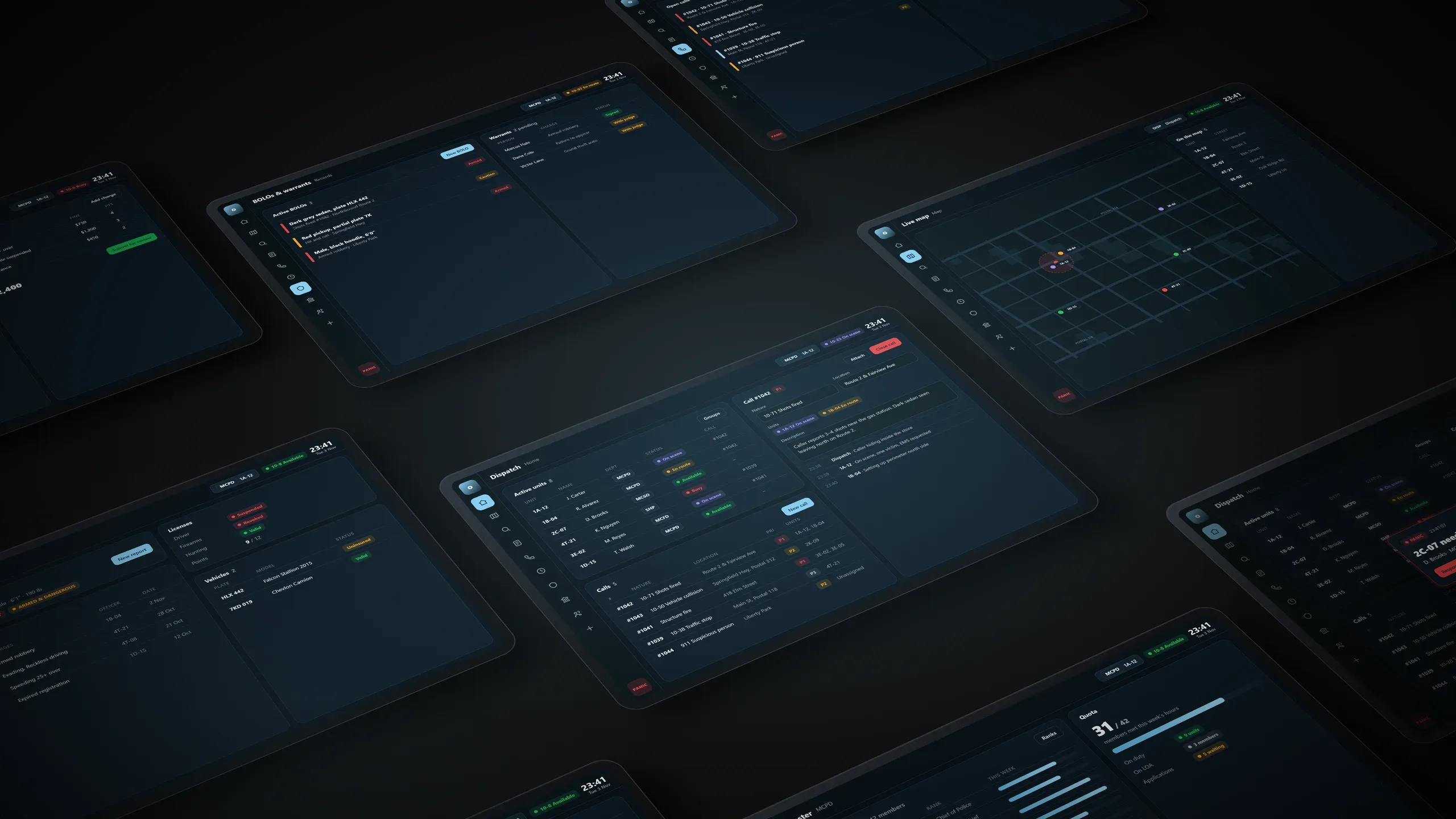
Avex CAD
Community Aided Dispatch, powered by Avex.
–Discord members
Online on Discord
Players in game
Whitelisted members
Get started
Three steps and you're in the server.
-
1
Join the Discord
Announcements and department applications are all posted there.
Join Discord -
2
Set up your CAD account
Sign in with Discord, link Roblox and create your character.
Open the CAD -
3
Join in game
In ER:LC, open private servers and enter the join code. You'll need a working mic.
Join In-game
Departments
Join the community's Discord first, then apply to the department you want.